Here is a site that has some cool ideas for rainy day, stay inside photo projects for your iphone or android. Pick one and post it to our blog.
https://iphonephotographyschool.com/rainy-day-projects/
Monday, May 4, 2020

Tuesday, April 28, 2020
Golden Hour Photography
The Golden Hour of Photography offers the richest and most beautiful light available for taking pictures.
The golden hour is approximately the hour right after sunrise and about an hour before sunset. Any photograph using this natural, warm light will definitely add interest to your work.
Upload 3-5 pictures using any camera you would like.
Here is a quick video that reminds you to tap on the screen of your phone to adjust the exposure. This is a very important tip!
https://www.youtube.com/watch?v=oAZdBQ1yza4
The link below offers a lot of tips for golden hour photography. Use these ideas to take pictures using golden hour light.
https://expertphotography.com/what-is-golden-hour-photography/

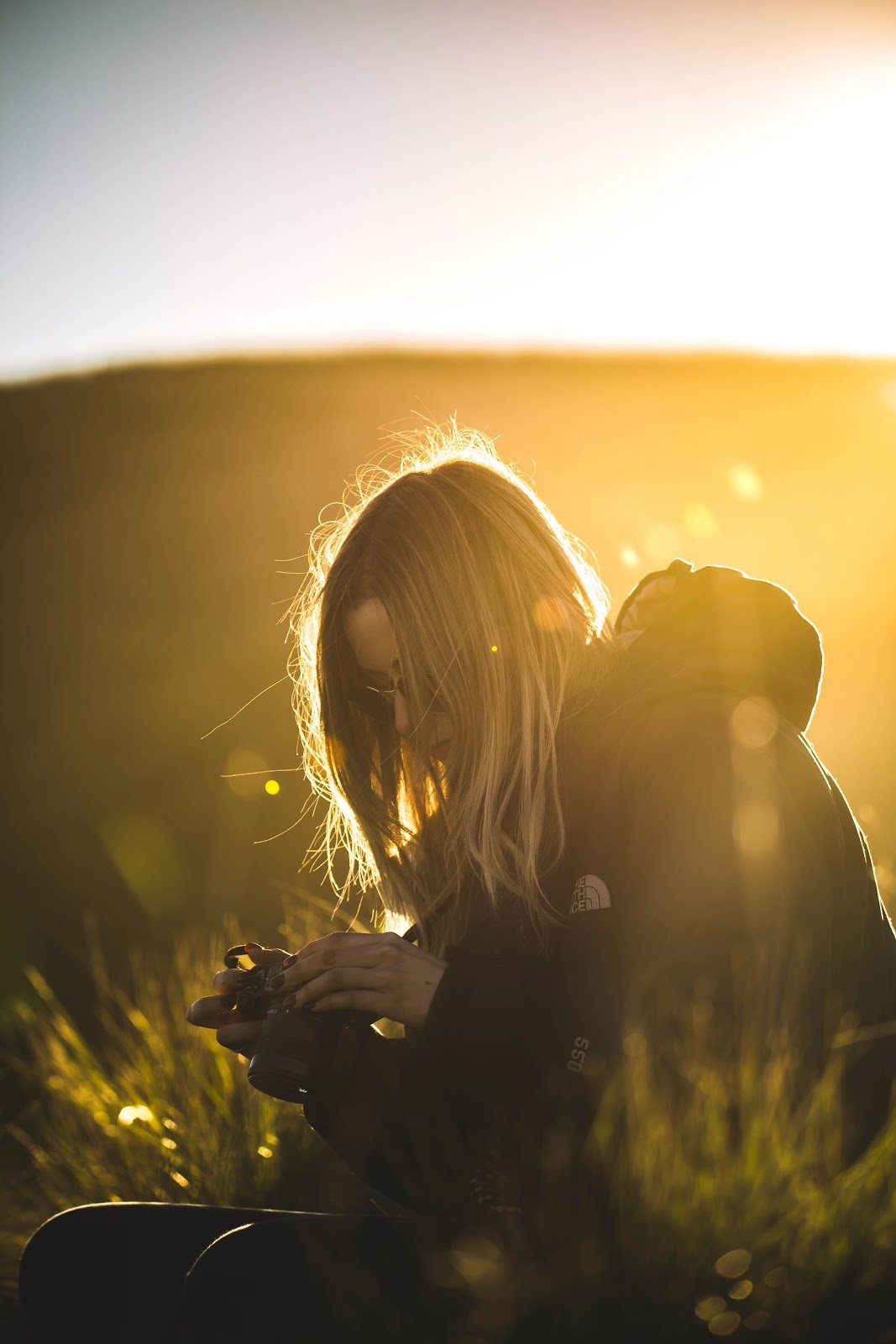
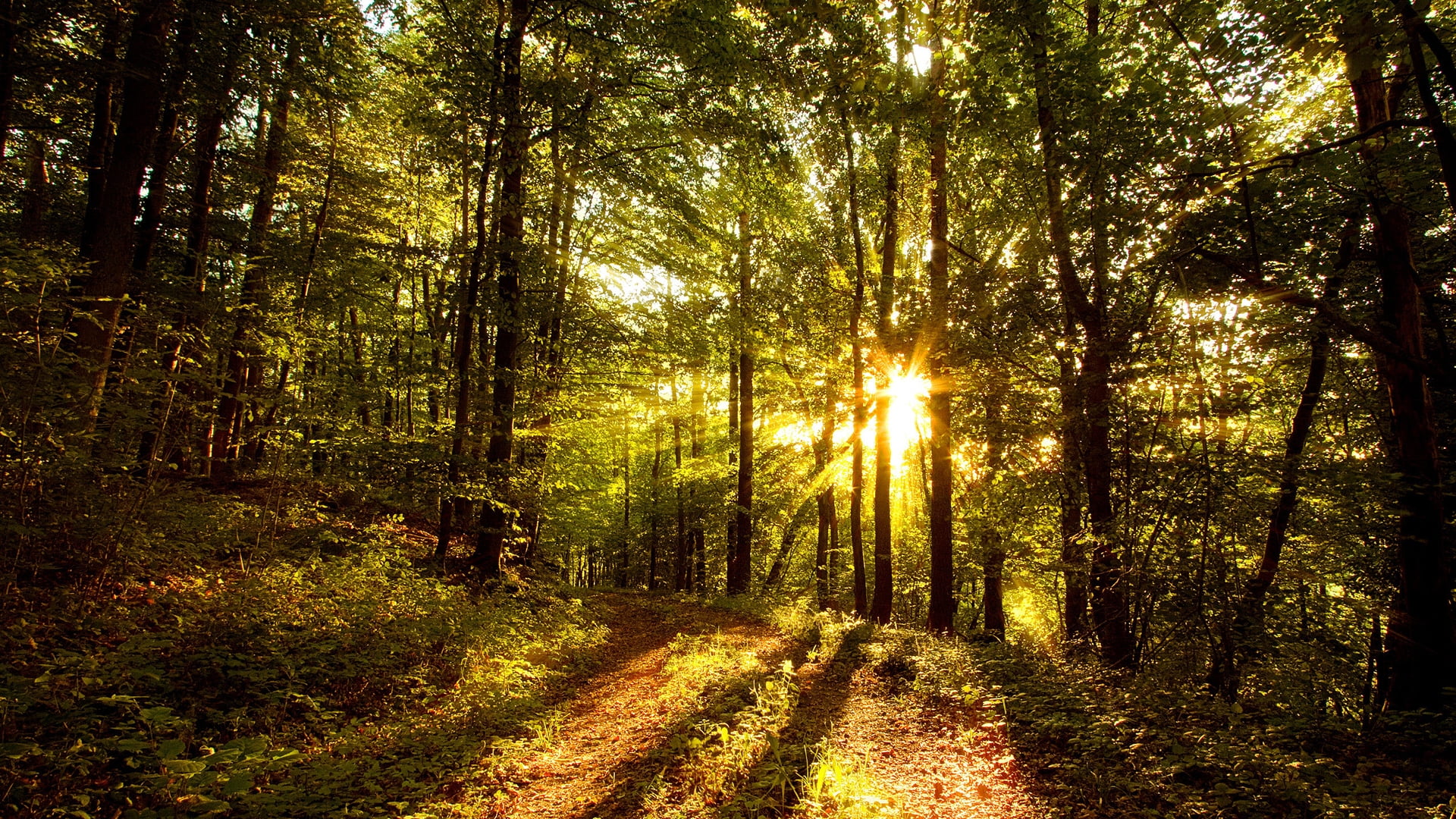

The golden hour is approximately the hour right after sunrise and about an hour before sunset. Any photograph using this natural, warm light will definitely add interest to your work.
Upload 3-5 pictures using any camera you would like.
Here is a quick video that reminds you to tap on the screen of your phone to adjust the exposure. This is a very important tip!
https://www.youtube.com/watch?v=oAZdBQ1yza4
The link below offers a lot of tips for golden hour photography. Use these ideas to take pictures using golden hour light.
https://expertphotography.com/what-is-golden-hour-photography/
Monday, April 20, 2020
Face Re-Mixing with Photopea
This week we will experiment with Photopea.
Photopea is a browser based app that is very similar to Photoshop, but it is free.
All of you have had at lest some basic experience with Photoshop, so this program should seem familiar to you.
Here is a fun project for the week You will use various images of your choice to combine different elements to re-mix a face.
Follow the tutorial below. Upload your work to a new blog post. Email me with any questions you may have.
https://www.youtube.com/watch?v=81dPFCLauhM
Photopea is a browser based app that is very similar to Photoshop, but it is free.
All of you have had at lest some basic experience with Photoshop, so this program should seem familiar to you.
Here is a fun project for the week You will use various images of your choice to combine different elements to re-mix a face.
Follow the tutorial below. Upload your work to a new blog post. Email me with any questions you may have.
https://www.youtube.com/watch?v=81dPFCLauhM
Tuesday, April 14, 2020
Tell Your Story - One week in Quarantine
Last week we looked at the photography of Valerie Moseley and how she creates stories through her images.
This week I would like you to tell a story of your life living under quarantine.
Some ideas might include:
Making a meal with your family
What are you doing for fun? Playing Games? Reading?
What about exercise?
If you have a pet, do you have any stories to tell?
Are you using zoom or hangouts to visit with friends of family? You could photograph that story.
Do you have a hobby to photograph?
How about telling a story about this new type of online learning?
How did your family celebrate Easter?
As you can see, there are many stories to tell. You can choose any topic you like. A good approach might be to include different activities throughout the week.
I would like to see 5-8 photos posted along with a brief description of what you have done.
You can use your phone or any type of camera you choose.
This week I would like you to tell a story of your life living under quarantine.
Some ideas might include:
Making a meal with your family
What are you doing for fun? Playing Games? Reading?
What about exercise?
If you have a pet, do you have any stories to tell?
Are you using zoom or hangouts to visit with friends of family? You could photograph that story.
Do you have a hobby to photograph?
How about telling a story about this new type of online learning?
How did your family celebrate Easter?
As you can see, there are many stories to tell. You can choose any topic you like. A good approach might be to include different activities throughout the week.
I would like to see 5-8 photos posted along with a brief description of what you have done.
You can use your phone or any type of camera you choose.
Monday, April 6, 2020
Visual Storytelling - Analyze a Photograph
We are living in a moment of history unlike anything the world has experienced in a hundred years.
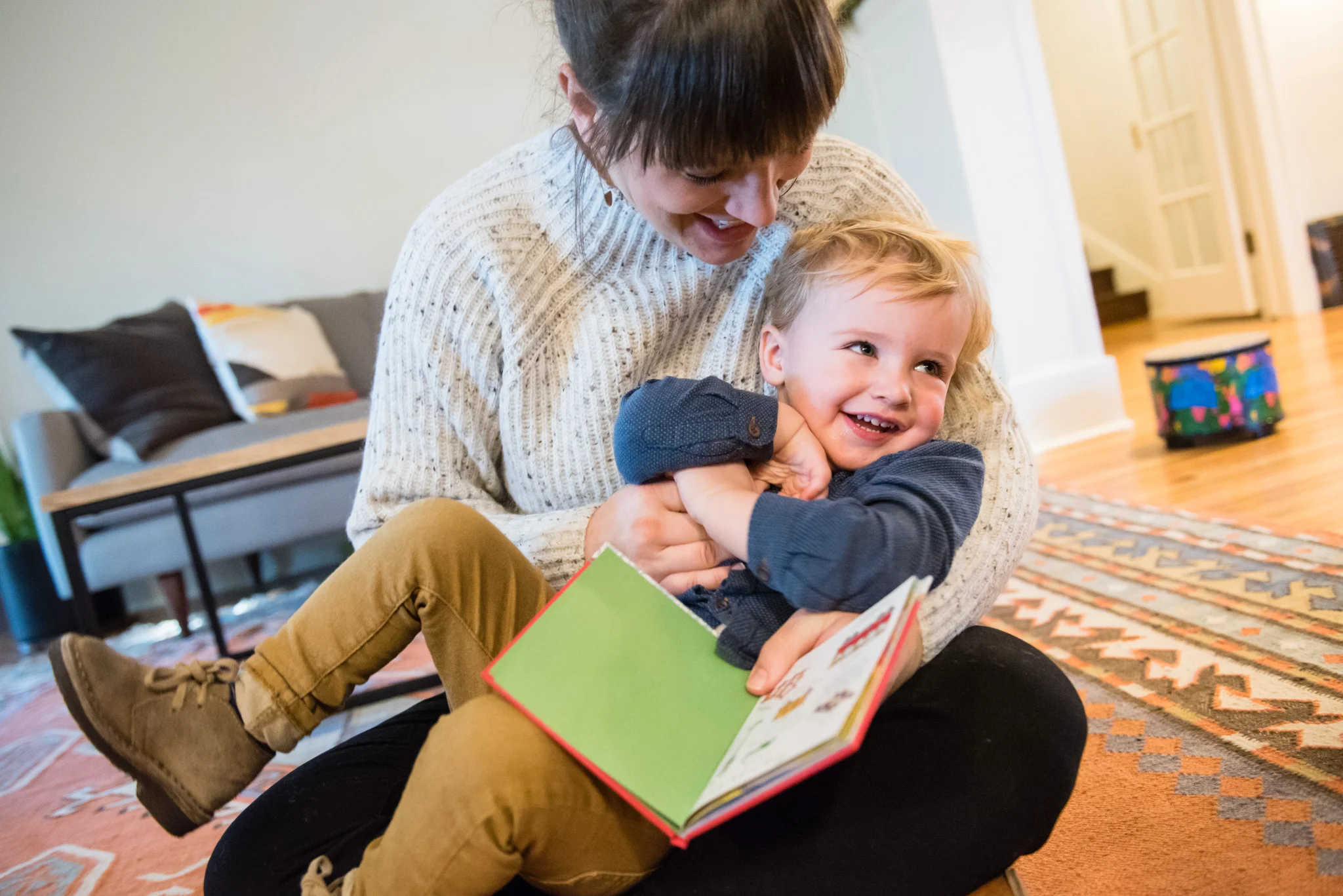
Every single person in America is being touched by this event in some way.
Photography has a vital role to play.
The next weeks of class will not just consist of completing high school photography projects. You will be documenting actual history in some small (or big) way.
Please take a look at the website of Valerie Mosely. She used to be a photographer for the Springfield News-Leader but now has her own business in Colorado.
Valerie uses photography to create visual stories.
Here is her website.
Here is her work when she was a photojournalist
Valerie does not rely on Photoshop filters or fancy tricks to make an impact. The strength of her work lies in the personal connections that she makes with the people she works with.
Carefully look at her work.
What Principles of Design does she use? What types of Perspective? She takes photos from both close-up and wide angle views.
For this first assignment today I would like you to spend some quality time looking at Valerie's work. Find one photo that really makes an impression on you.
In a new blog post copy and the photo and explain in as much detail as you can the photo you chose has made an impact on you. I will post further details of the project on Wednesday.
Friday, March 13, 2020
Post Your Progress
We have been working on a series of ongoing projects.
Independent Project
Photoshop Text Effects
Motion Blur Portrait
Shadows
Ozark Square
Classic Film Photography
Please post your progress on these projects on your blog with a brief description of your successes and problems with each.
Independent Project
Photoshop Text Effects
Motion Blur Portrait
Shadows
Ozark Square
Classic Film Photography
Please post your progress on these projects on your blog with a brief description of your successes and problems with each.
Monday, February 24, 2020
Photoshop Text Effects
Today we'll have some fun with Text. First, I'll show you how to add images in text, it will end up looking something like this:

Save both pictures as jpeg files and post them to your blog titled "Photoshop Text Effects"
You can find the tutorial at this link:
Next, pick a text effect from the link below and follow the instructions to create one of your own.
Subscribe to:
Comments (Atom)